
Stop Letting Calendar Chaos Steal Your Best Hours: Hire an Executive Assistant for Meeting Management

On this page
- Why does this problem keep consuming executive time?
- What should you design before handing work to an executive assistant?
- How do you delegate without losing control?
- What does this look like in a real operating workflow?
- What is the practical setup checklist?
- Which approach protects executive capacity?
- What objections should you resolve before hiring?
- What is the bottom line?
- Frequently Asked Questions
- Sources and further reading
The best way to hire an executive assistant for calendar and meeting management is to give them clear scheduling rules, decision rights, and access through your approved tools. A capable EA protects focus time, prepares meetings, resolves conflicts, and makes every commitment visible without turning your calendar into an uncontrolled free-for-all.
Updated September 3, 2026. This guide is for leaders who need dependable executive support without blurring authority, security, or role boundaries. It explains the operating system to build before you hire, the work to delegate, and the objections worth resolving early.
Why does this problem keep consuming executive time?
A crowded calendar is not proof of progress. It is often a record of requests that were accepted before anyone tested their value, travel time, preparation needs, or relationship priority. Executive attention is finite, and every avoidable coordination task competes with customer decisions, leadership, and focused work. An executive assistant creates leverage only when the work is made visible and repeatable.
That does not mean turning every interaction into a rigid script. It means deciding what good looks like, which exceptions need you, and how the assistant will show you progress. Talent Surge's virtual executive assistant role describes the core support areas, while this article focuses on the operating need.
What should you design before handing work to an executive assistant?
Start with a one-page operating brief. State the business goal, the people involved, the systems used, the response expectation, the authority the EA has, and the situations that must be escalated. Then write the workflow in plain language: create protected focus blocks, define meeting types and durations, set approval rules for external requests, and require a brief with purpose, attendees, desired decision, and links before a meeting is confirmed.
Readers often object that documenting a workflow takes longer than doing it themselves. That can be true once. But undocumented recurring work forces the same explanation repeatedly and makes a new assistant dependent on your memory. A short screen recording and a checklist are often enough for the first version.
How do you delegate without losing control?
Use staged delegation. First, let the EA observe and prepare drafts. Next, allow routine execution within a written rule. Finally, give authority for predictable exceptions only after review shows that the rule is working. This sequence preserves executive judgment while eliminating low-value coordination.
The EA can organize availability and enforce your written rules. You should retain decisions about strategic relationships, compensation discussions, legal commitments, and any meeting that changes company direction. Use least-privilege access, multifactor authentication, and named accounts. Talent Surge's security guidance and vetting process are useful references when a workflow touches company systems or confidential information.
What does this look like in a real operating workflow?
A real estate principal can reserve showing windows, lender calls, and contract-review time while the EA groups vendor meetings by location. The assistant can hold tentative slots, confirm attendees, and flag a double booking before it becomes an apology.
The important lesson is that an EA owns the process and the follow-through, not every decision inside the process. A clear owner for the final decision prevents the assistant from becoming a messenger between people who should be accountable directly.
What is the practical setup checklist?
- List non-negotiable focus, family, travel, and recurring leadership blocks.
- Write acceptable meeting lengths and the information required before booking.
- Give the EA delegated calendar access, not your password.
- Set an escalation rule for VIP, media, board, or urgent customer requests.
- Review the next two weeks together until the rules work without constant intervention.
Use the first month to improve the system, not to judge it from one unusual day. A short daily digest and a weekly review reveal recurring exceptions. Those exceptions are the raw material for better rules, templates, and escalation paths.
Which approach protects executive capacity?
| Operating choice | Practical result |
|---|---|
| Protect time | Blocks deep-work and travel buffers |
| Prepare decisions | Adds agenda and context |
| Resolve conflicts | Offers alternatives within rules |
What objections should you resolve before hiring?
"I cannot explain how I work." Start with one workflow, not your entire business. The assistant can help document it as they learn. "My work is too sensitive." Sensitivity is a reason for access controls and approval rules, not a reason to keep scheduling and chasing updates on an executive's desk. "I need someone who reads my mind." No hire can do that. A capable EA learns context faster when the CEO provides examples and timely feedback.
For a managed hiring path, review how Talent Surge's hiring process works, compare published options on pricing, and use the Cost Calculator to model your own workload. Those resources help you distinguish a defined operating need from a vague wish for more time.
What is the bottom line?
The best way to hire an executive assistant for calendar and meeting management is to give them clear scheduling rules, decision rights, and access through your approved tools. A capable EA protects focus time, prepares meetings, resolves conflicts, and makes every commitment visible without turning your calendar into an uncontrolled free-for-all. The right hire does not merely take tasks away. They create a reliable system for requests, decisions, and follow-through, leaving the executive responsible for the judgment that only the executive can provide.
Frequently Asked Questions
Can an EA manage a CEO calendar without attending every meeting?
Yes. An EA can work from the agenda, attendee list, decision needed, and follow-up owner. They only need to attend meetings where notes, logistics, or direct support are required.
What calendar access should I give an executive assistant?
Use delegated access and least-privilege settings in your calendar platform. The assistant needs enough permission to schedule and edit, while sensitive calendars and event details can remain restricted.
How do I stop an EA from booking too many meetings?
Define protected blocks, qualifying questions, meeting lengths, and a weekly meeting budget. A written rule is more reliable than asking an assistant to guess your preference.
Can an EA decline meeting requests for me?
Yes, if you give approved decline language and clear categories. Escalate high-stakes relationship requests rather than making the assistant infer the political consequence.
What should an EA include in a meeting brief?
Include the purpose, attendees, desired decision, agenda, relevant links, and any preparation you need. The brief should make a meeting easier to accept, decline, or shorten.
How soon can calendar support begin?
Calendar support can begin once access, preferences, and recurring commitments are documented. Talent Surge explains its candidate and onboarding process on the hiring process page.
Sources and further reading
- NIST Privacy Framework for risk-aware handling of business information.
- CISA guidance on multifactor authentication for account-access controls.
- Talent Surge team management for the managed support model.
Take action today
Stop comparing. Start saving.
US businesses save 60-70% vs local hires. Get 3 pre-vetted offshore specialists matched to your exact role delivered in 14 days, free with no commitment.
Keep reading
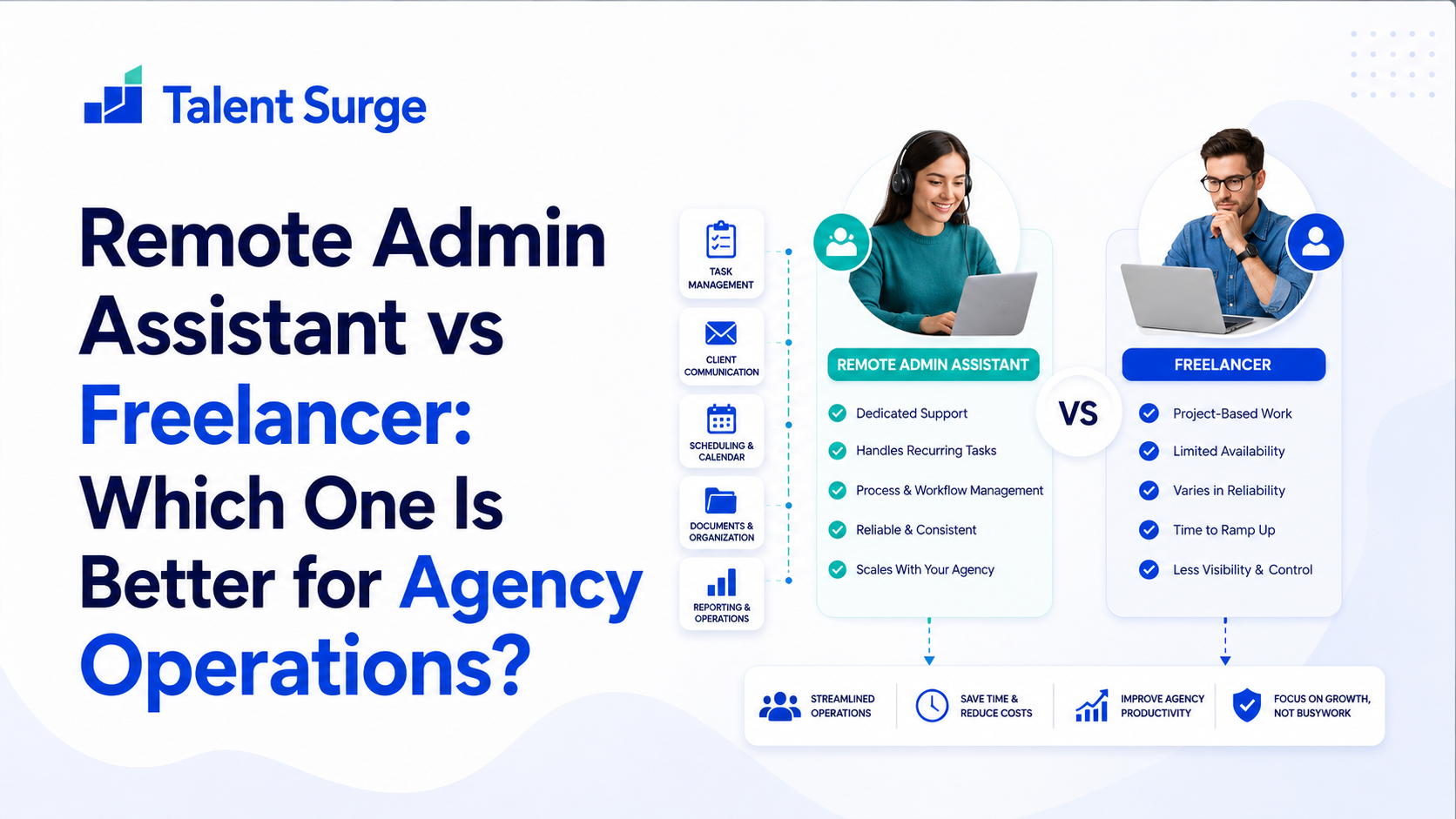
Remote Admin Assistant vs Freelancer: Which One Is Better for Agency Operations?
A freelance VA fixes admin overload temporarily. A managed remote admin assistant fixes it permanently, with dedication, security, and accountability built in. Here is the honest comparison.
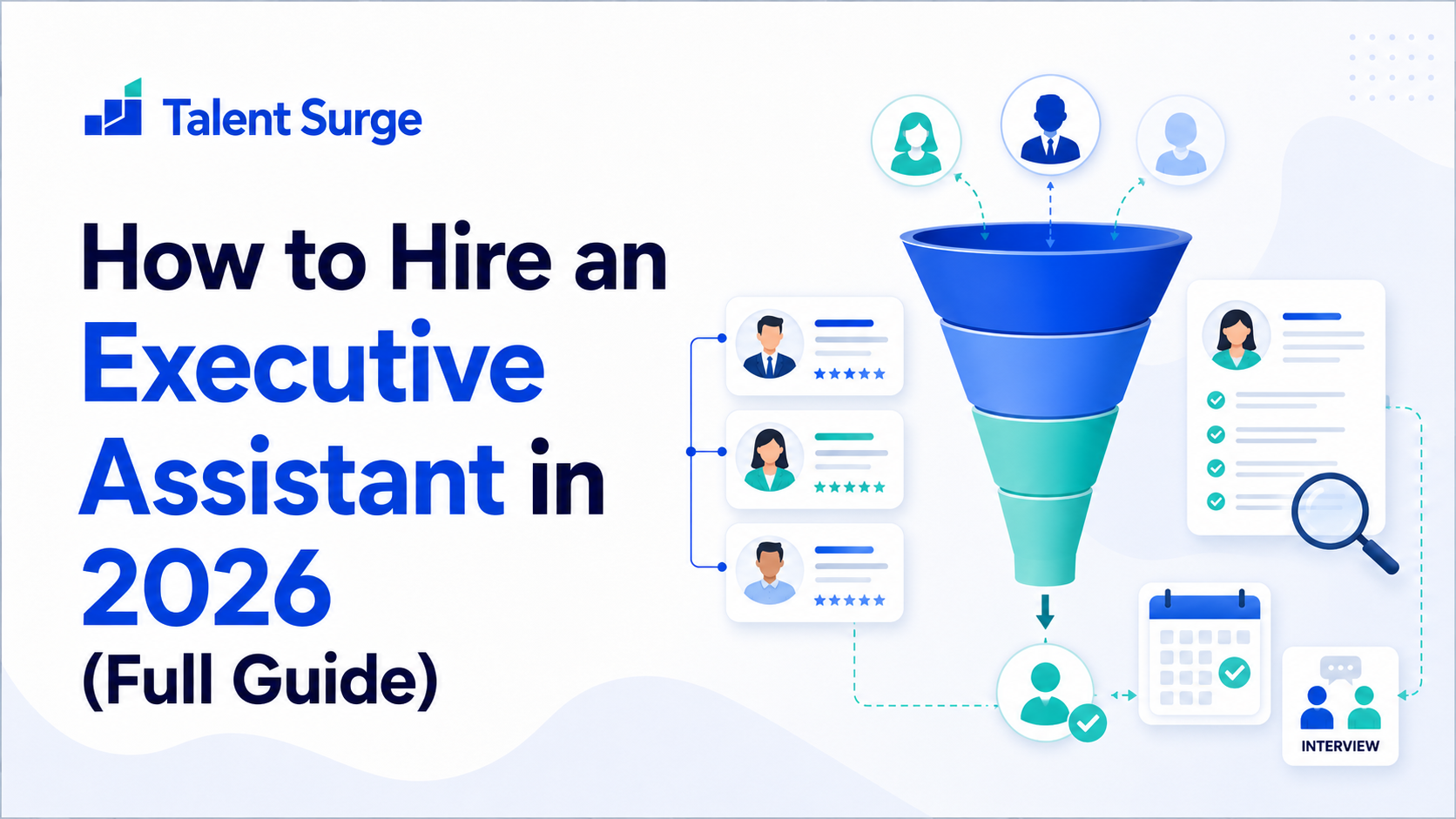
How to Hire an Executive Assistant in 2026 (Full Guide)
Hiring an executive assistant is one of the highest-leverage decisions a founder can make. Done well, it transforms how you operate. Here's the complete step-by-step guide for 2026.
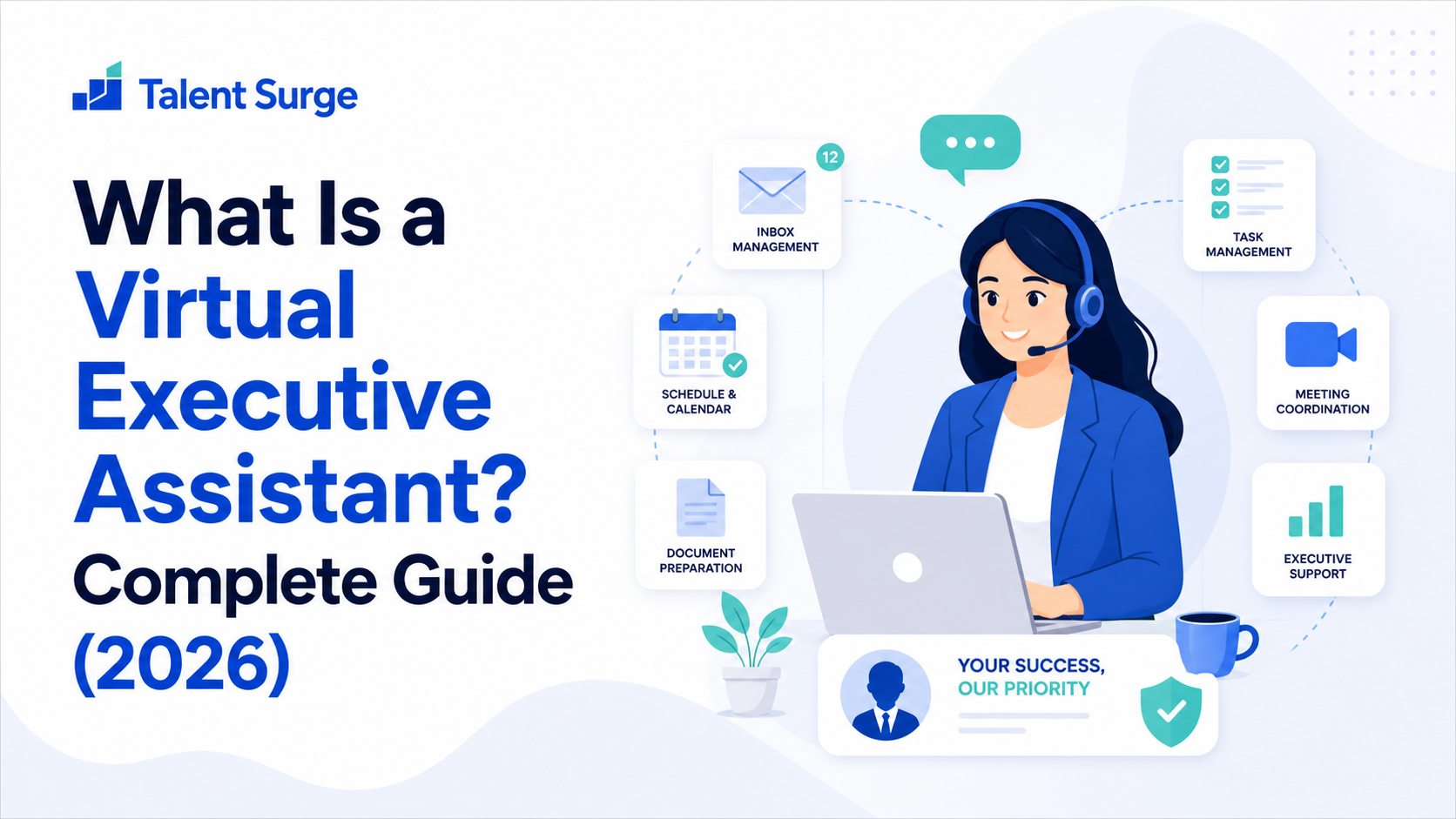
What Is a Virtual Executive Assistant? Complete Guide (2026)
A virtual executive assistant is the leverage tool high-performing executives are turning to in 2026. Learn what a VEA does, how they differ from regular VAs, and how to hire one.